Kling
AI video generation for creative experiments, b‑roll concepts, and rapid iterations.
Disclosure: some outbound links are affiliate links.
What Kling is
Kling is used when you want generated video clips (concept shots, stylized sequences, motion ideas). Output quality varies by prompt and source material, so iteration is part of the workflow.
Best for
- Generating concept b‑roll for a story or ad
- Testing creative directions (style, mood, camera motion)
- Filling gaps when you don’t have footage yet
- Creating variations for thumbnails, hooks, and scenes
Screenshots
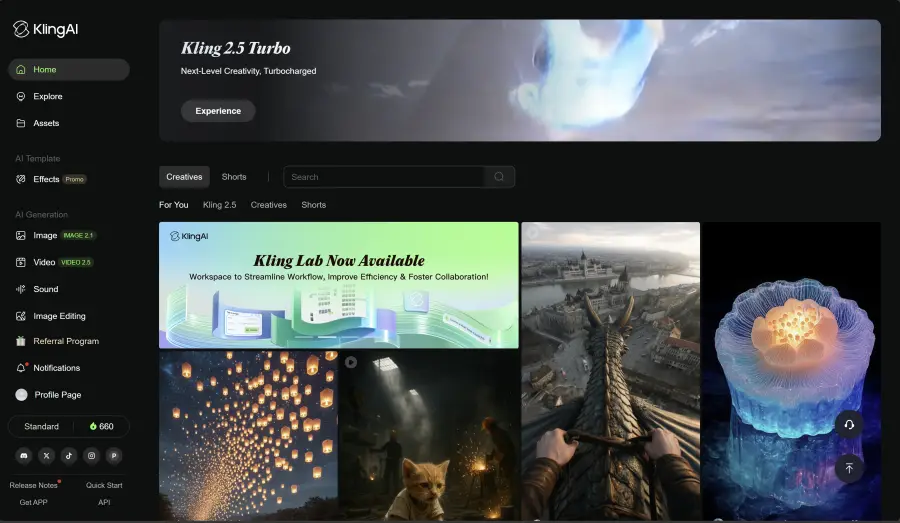
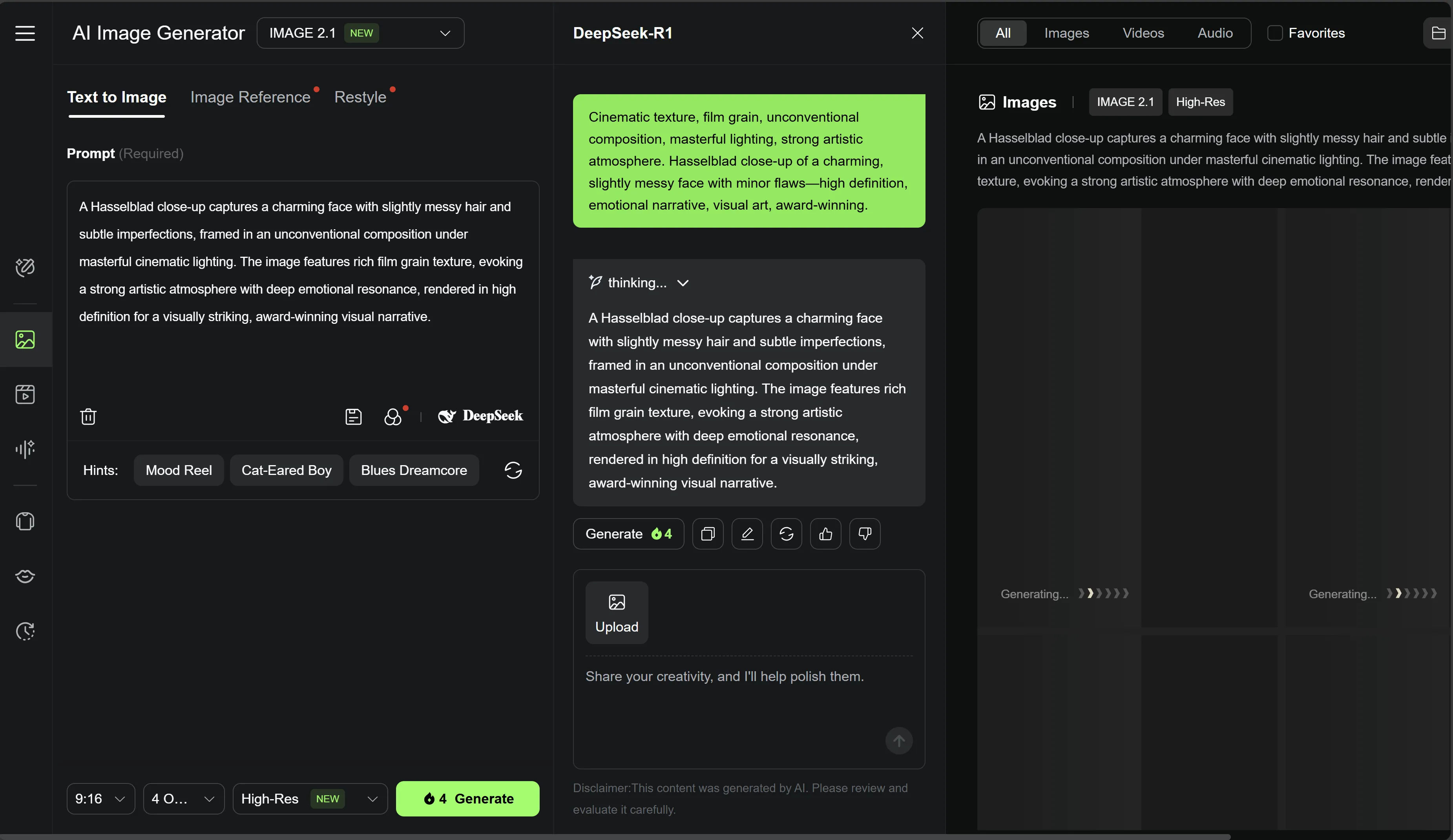
Video demo
Quick start workflow
- Start with a clear prompt (subject + action + style + lighting).
- Keep clips short and focused (one idea per clip).
- Iterate on 3–5 prompts, then pick the best.
- Edit and stabilize in your editor (pacing matters).
- Combine with captions/voiceover for clarity.
Pros & cons
Pros
- Fast way to explore visuals without a shoot
- Useful for creative b‑roll concepts
- Great for generating variations to test
Cons
- Results can be inconsistent—iteration is required
- May need extra editing to feel “production-ready”
- Always review usage rights for commercial projects
Alternatives
- InVideo AI if you want faster, template-based videos
- CapCut to edit, caption, and finish your clips
- Pictory if your workflow starts from scripts/articles
FAQ
Do I need to be good at prompting?
+
You don’t need to be an expert—but clarity helps. Describe subject, action, style, and constraints, then iterate.
Is generated video enough to publish?
+
Sometimes, but often you’ll get the best results by editing, adding captions, and pairing with voiceover.