ElevenLabs
AI voiceovers and narration for videos, ads, training, and podcasts.
Disclosure: some outbound links are affiliate links.
What ElevenLabs is
ElevenLabs is focused on text‑to‑speech voice generation. It’s often used to produce clean voiceovers at scale, iterate scripts faster, and keep a consistent “brand voice”.
Best for
- YouTube voiceovers and faceless channels
- Ads and short-form narration
- Training content and explainers
- Multi-language versions of the same script
Key features (what to look for)
- Voice quality: clarity, natural pacing, pronunciation controls
- Voice library / styles: pick tones that match your niche
- Dubbing / localization: when you need multilingual output
- API / automation: generate many variations from a spreadsheet or workflow
Screenshots
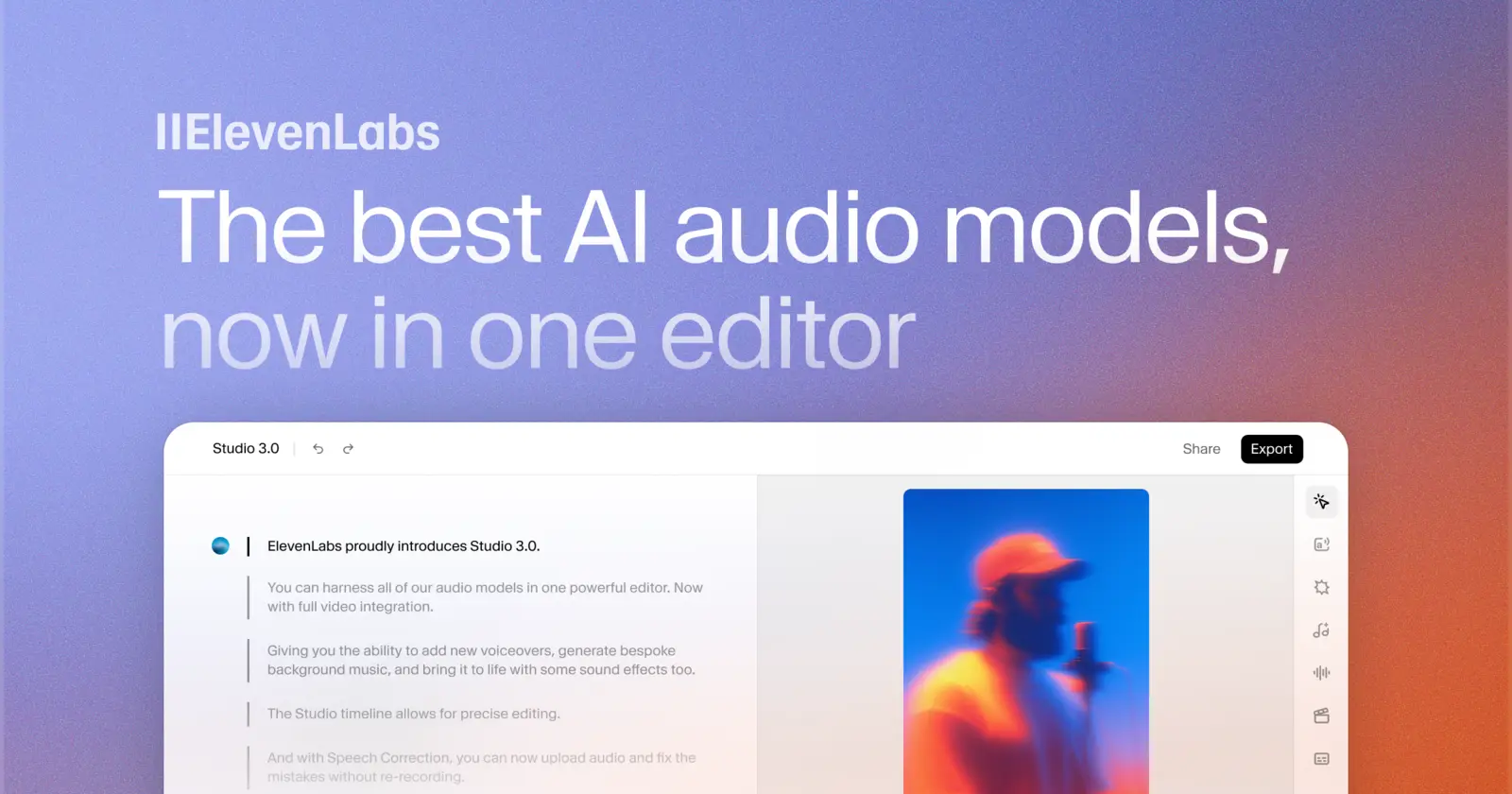
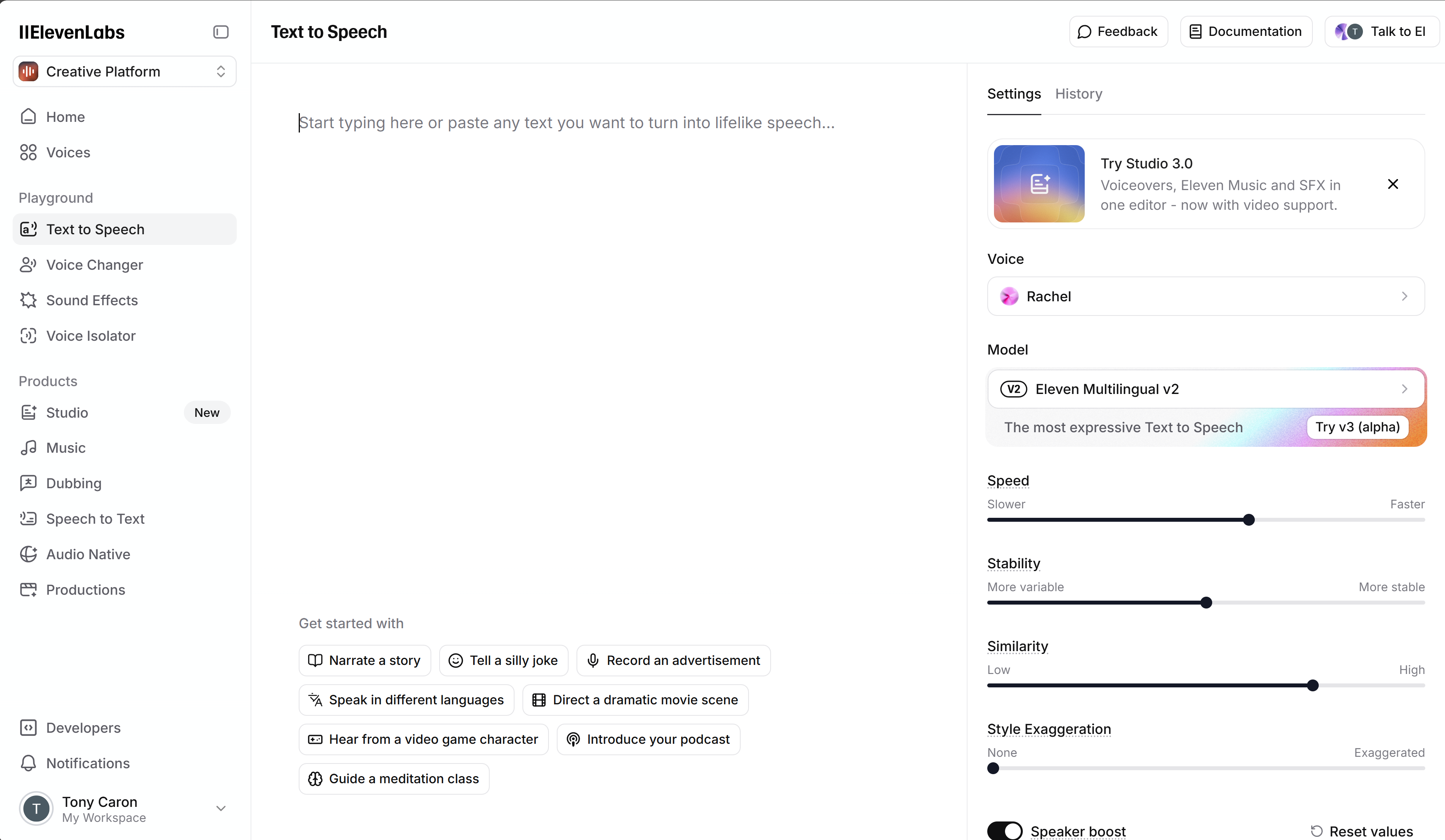
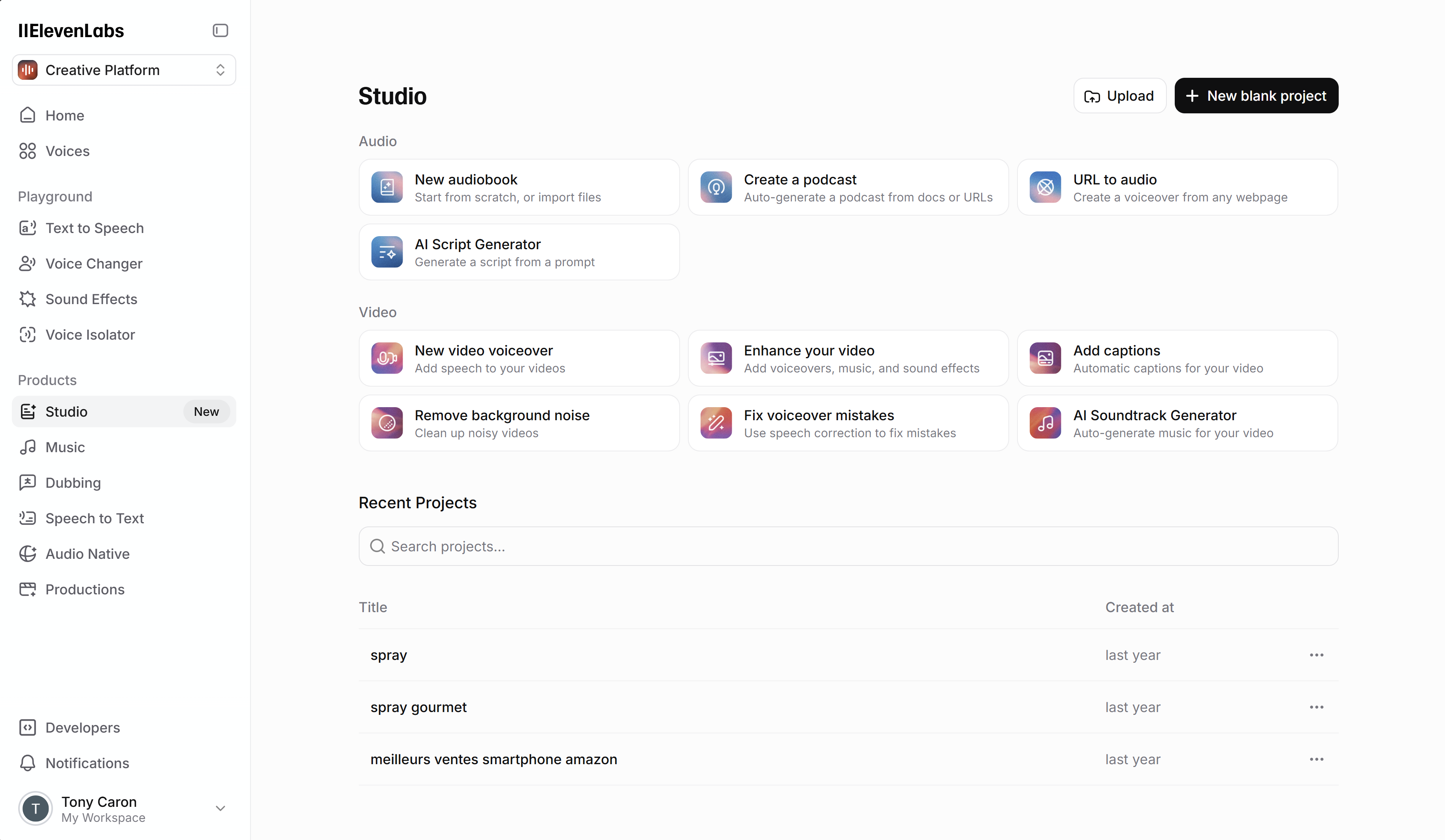
Video demo
Quick start workflow
- Write a tight script (short sentences, simple punctuation).
- Generate a first voice pass and listen for pacing.
- Fix names/brands and add pronunciation hints if needed.
- Export audio, then edit/normalize in your video editor.
- Pair with captions for retention.
Pros & cons
Pros
- Fast voiceover production for content at scale
- Great for iterating scripts and hooks
- Works well in a repeatable pipeline
Cons
- Pronunciation and pacing still need review
- Some projects require extra sound design (music/ambience)
- Always make sure you have rights when using custom voices
Alternatives
- Pictory if you want “script → video” in one flow
- CapCut for editing + captions and finishing
- InVideo AI if you prefer video templates + built-in voice workflows
FAQ
Do AI voiceovers work for YouTube?
+
Yes—if the script is strong and the audio is clean. Pair it with good pacing, visuals, and captions.
How do I avoid “robotic” narration?
+
Short sentences, natural punctuation, and small pauses help a lot. Always listen to the full track before publishing.
Can I automate production?
+
Yes. Many creators generate batches from a workflow, then review a sample for quality control.