CapCut
Edit, caption, and publish social videos fast—great for Shorts/Reels/TikTok workflows.
Disclosure: some outbound links are affiliate links.
What CapCut is
CapCut is a fast, template-friendly video editor. It’s often used to turn raw footage into polished social clips, with captions and quick formatting.
Best for
- Editing Shorts/Reels/TikTok with consistent style
- Caption-first videos (talking head, UGC, tutorials)
- Quick cuts, b‑roll, and hooks testing
- Turning long footage into short clips
Key features (what to look for)
- Captions: accuracy, styling, and readability
- Templates: speed for repeatable formats
- Effects: subtle motion and transitions that don’t distract
- Export: correct aspect ratios and platform presets
Screenshots
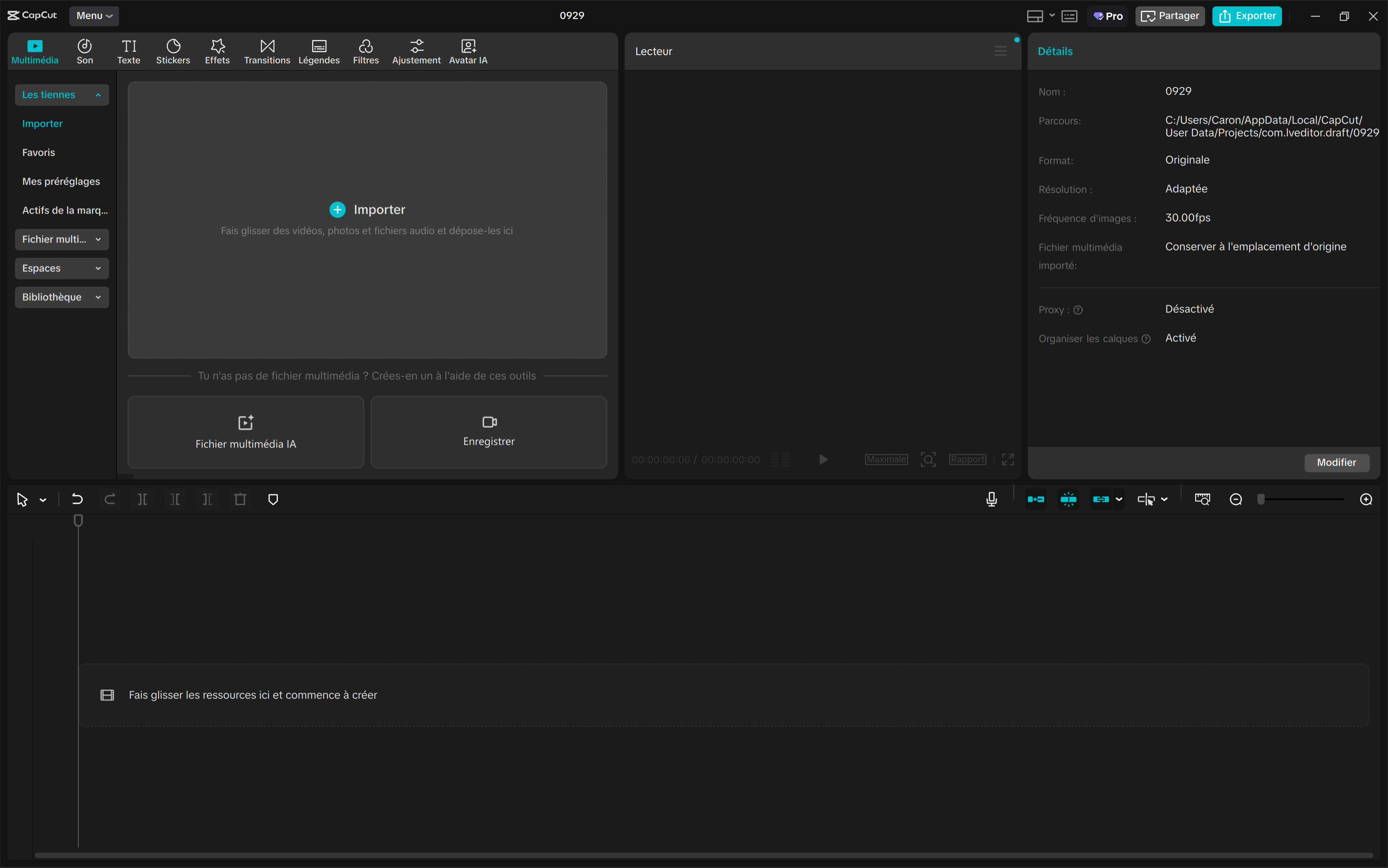

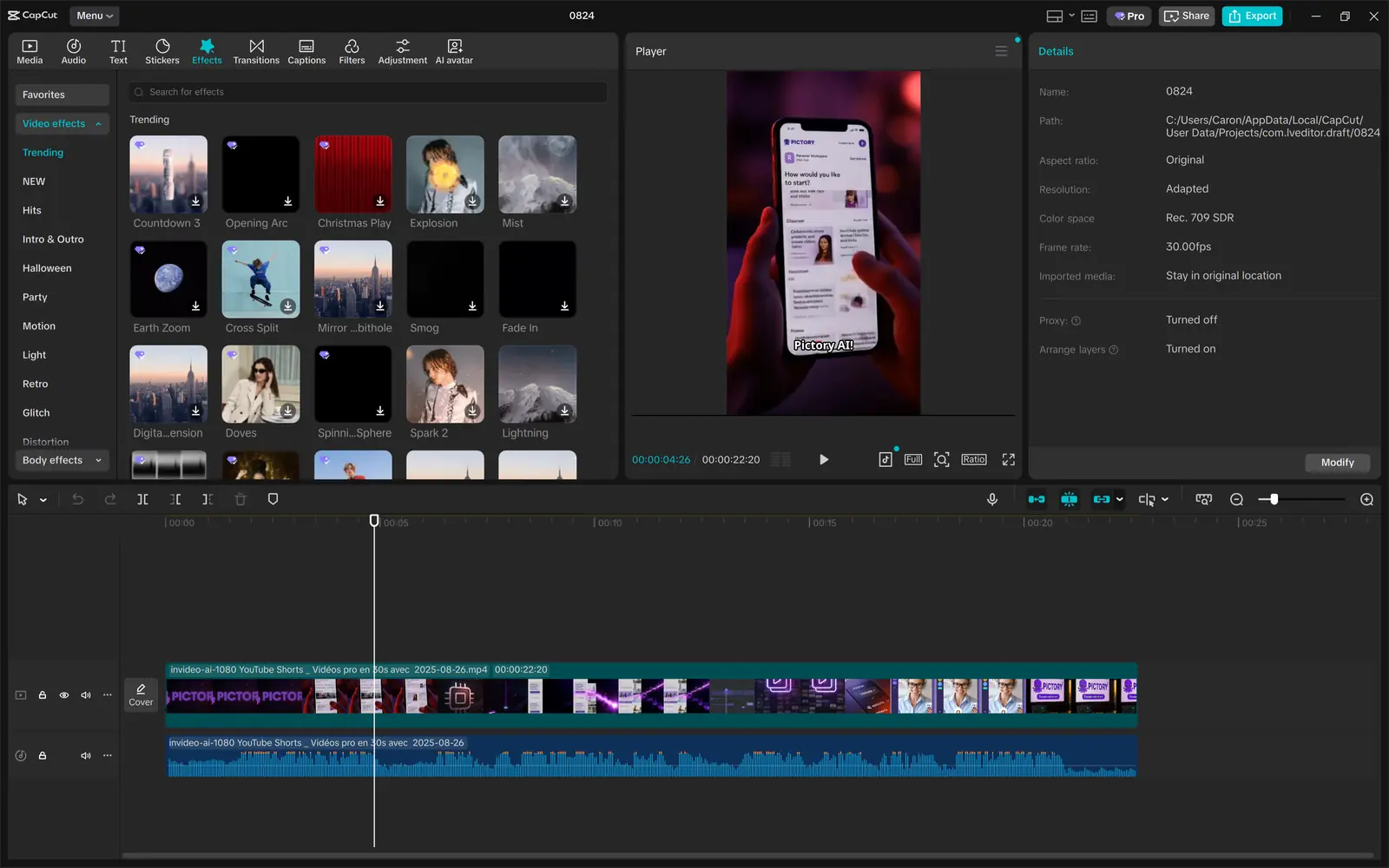
Video demo
Quick start workflow
- Choose the target format (9:16 vs 16:9).
- Cut aggressively (remove pauses).
- Add captions and highlight keywords.
- Add a simple CTA (comment, follow, click).
- Export, publish, analyze retention.
Pros & cons
Pros
- Very fast for social-ready edits
- Captions + templates speed up production
- Good for consistent brand formatting
Cons
- Advanced workflows still benefit from pro editors
- Overusing effects can reduce trust/clarity
- Quality depends on your raw footage and pacing
Alternatives
- InVideo AI if you want templates + AI generation
- Pictory for “script/article → video” repurposing
- ElevenLabs if audio/voiceover is the bottleneck
FAQ
Is CapCut good for captions?
+
Yes. Captions are one of the main reasons creators use it. Always review for errors and readability.
What’s the best workflow for Shorts?
+
Fast hook, aggressive cuts, captions, and a clear payoff. Keep it simple and test variations.